

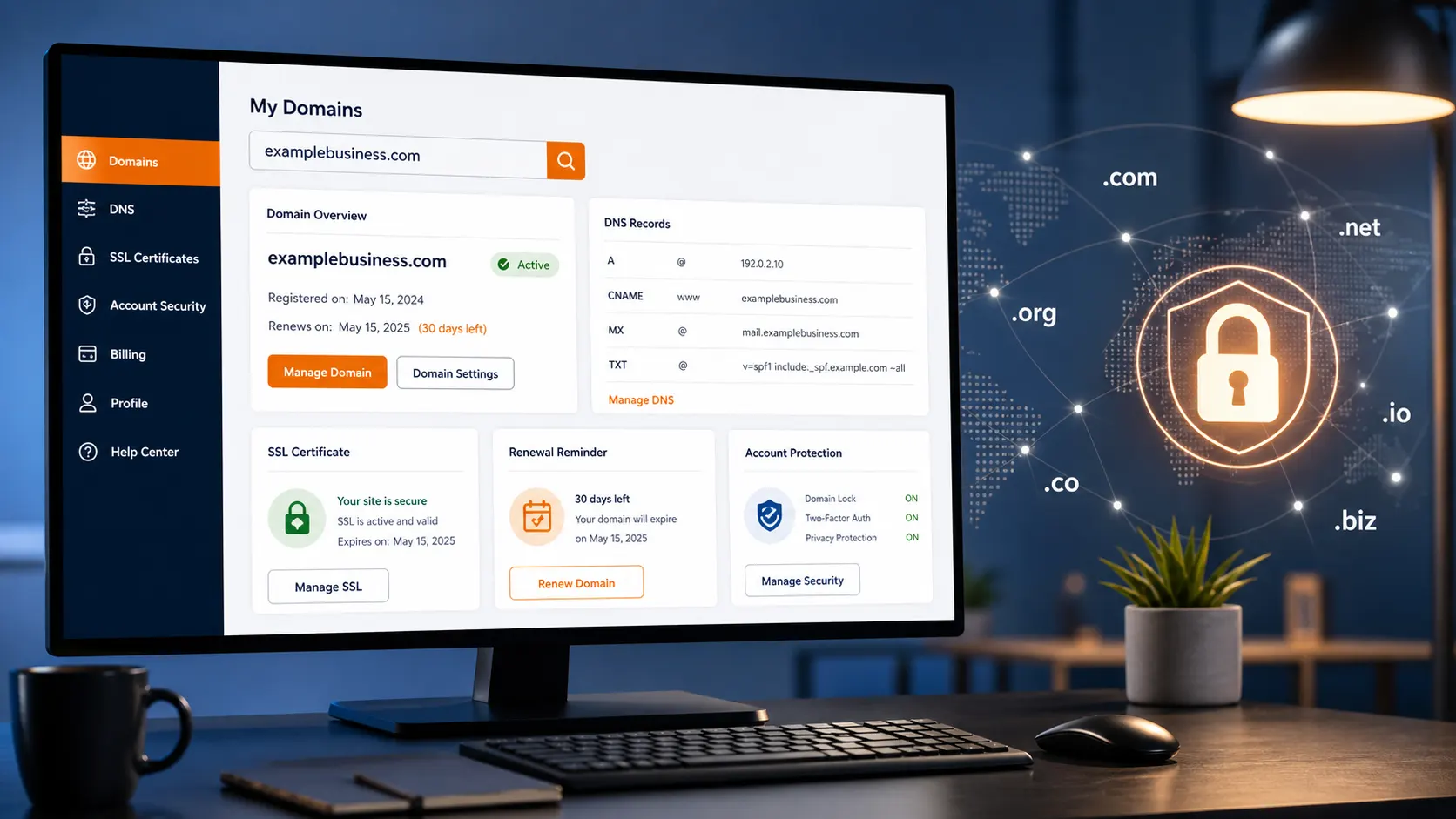




- Easy Domain Transfers
Transfer Your Domain with Confidence
Move your domain to FOS Services quickly and securely with a streamlined transfer process designed to keep your website running and your data protected.
Transfer in a Few Simple Steps
Move your domain to FOS Services with a straightforward process designed to keep everything secure and easy from start to finish.
Unlock Your Domain
Log in to your current registrar and unlock your domain to allow the transfer process to begin.
Get Authorization Code
Request your transfer authorization code (EPP code) from your current domain provider.
Start Your Domain Transfer
Enter your domain and authorization code to begin the transfer process with FOS Services.
Confirm & Complete
Approve the transfer request and allow time for completion while your domain moves securely.
Why Transfer Your Domain to FOS Services
Get better control, improved security, and a simpler management experience by moving your domain to a platform built for reliability and ease of use.
Simple Management
Manage your domains, DNS records, renewals, and settings from one clean, intuitive dashboard designed to save time and keep everything organized in one place.
Free Privacy Protection
Keep your personal information protected automatically with domain privacy that’s included at no extra cost, helping reduce spam and preventing unwanted exposure.
Reliable Support
Get dependable assistance whenever you need it, with a responsive support team ready to guide you through the transfer process and help with ongoing management.
Streamlined Experience
Enjoy a smooth and efficient transfer process with clear steps, minimal complications, and a setup designed to keep everything running without confusion.
Centralized Control
Keep all of your domains in one place for easier management, giving you better visibility, simplified renewals, and more efficient control over your entire domain portfolio.
Transparent Pricing
You know exactly what you’re paying with our straightforward transparent pricing and no hidden fees guarantee. This makes it easier for you to manage costs and plan ahead.
Need a New Domain Instead?
If you don’t have a domain yet, you can search, register, and secure the right name in minutes. Find a domain that fits your brand, check availability instantly, and get everything set up quickly with straightforward pricing and an easy process.
More Options

$15.99

$16.20

$16.79

$43.20

$12.00

Ensure a Smooth Transfer
Before starting your domain transfer, make sure everything is set up correctly to avoid delays and ensure a smooth, successful process.

60-Day Eligibility
Your domain must be registered or last transferred at least 60 days ago before it can be moved to a new registrar.

Active Domain Status
Ensure your domain is active and not in Pending Delete or Redemption status before starting the transfer.

Built for Growth
Have your domain’s EPP code available to securely initiate and complete the transfer process.

Explore More Services
Browse additional services and solutions built to support your website, with clear options and straightforward pricing to help you choose what fits best.
VPS Hosting
Access greater performance and with dedicated resources built for expanding websites.
Dedicated Servers
Experience full server power and control for resource-intensive websites.
Website Solutions
Build, maintain, and improve your website with reliable tools and hands-on support.
Domain Transfers FAQs
Find answers to common questions about transferring your domain, including timing, requirements, and what to expect during the process.
How long does a domain transfer take?
Most domain transfers are completed within 5 to 7 days, depending on your current registrar and how quickly the transfer is approved.
Will my website go down during the transfer?
In most cases, your website will remain online during the transfer as long as your DNS settings are not changed.
Can I transfer my domain at any time?
Domains can typically be transferred after 60 days from registration or the last transfer, in accordance with ICANN rules.
What is an authorization (EPP) code?
An authorization or EPP code is a unique code provided by your current registrar that is required to approve and complete a domain transfer.
Do I need to unlock my domain before transferring?
Yes, your domain must be unlocked at your current registrar before the transfer can begin.
Will my domain expiration date change?
Yes, most domain transfers add one year to your existing registration period once the transfer is completed.
Can I transfer a domain that has expired?
It depends on its status. Domains in redemption or pending delete typically cannot be transferred until they are restored.
Will my email or DNS settings be affected?
Your DNS settings usually remain the same, but it’s recommended to verify them before and after the transfer to avoid any disruptions.
What happens if my transfer is denied?
Transfers can be denied if the domain is locked, within the 60-day restriction period, or if the authorization code is incorrect.
How do I start a domain transfer?
Unlock your domain, obtain your authorization code, and enter your domain details to begin the transfer process with FOS.